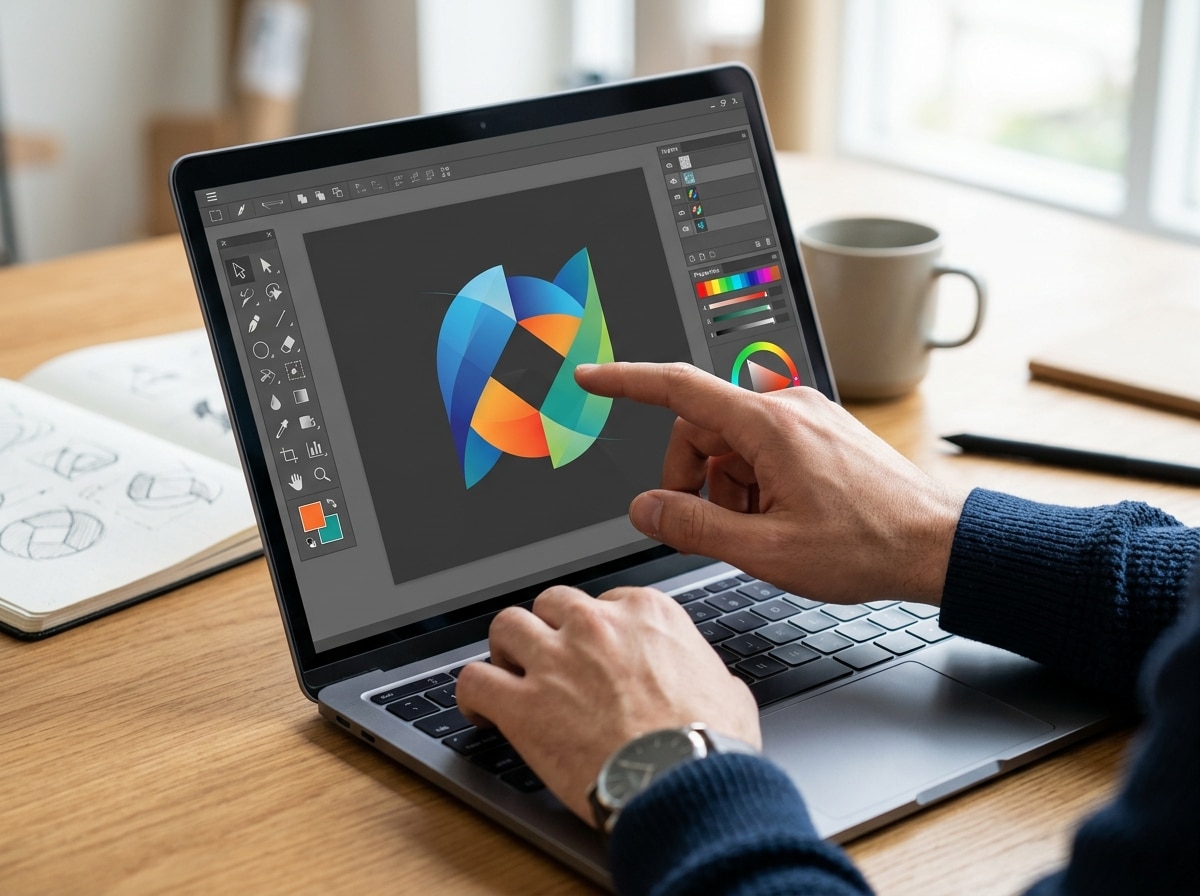
Why the Right Logo Maker Can Make or Break Your Brand
A logo maker is an online tool that lets you design a professional logo in minutes — no design skills required.
Here’s a quick overview of how they work:
- Enter your business name and select your industry
- Choose a style — modern, classic, playful, bold, etc.
- Pick icons and colors that match your brand
- Customize fonts, layouts, and spacing to your liking
- Download your finished logo in formats like PNG, SVG, or PDF
Most tools allow you to begin designing immediately. You can explore concepts and refine your design before downloading high-resolution files.
Your logo is often the first thing a potential customer sees. It shows up on your website, business cards, social media, and everything in between. A weak logo quietly signals that your brand isn’t ready. A strong one builds instant trust.
The good news? You don’t need to rely on a traditional design process to get something professional. Today’s AI-powered logo makers have made quality design accessible to anyone — including small business owners who are juggling ten other things at once.
Over 40 million businesses have already used online logo tools to build their brand identity. The tools have gotten remarkably good.
I’m Cristian Droescher, founder of Clear Brands, and through years of helping small businesses build their online presence, I’ve seen how the right logo maker can lay the foundation for a brand that actually gets noticed. In this guide, I’ll walk you through everything you need to create a logo you’re proud of — without the headache.

Understanding the Modern Logo Maker
In the early days of the internet, an online logo maker was often just a collection of rigid, clip-art-style templates. You changed the text, and that was about it. Today, the landscape has shifted toward sophisticated, AI-driven platforms that behave more like a digital design assistant than a static stamp.
When we talk about logo design, we are talking about creating a visual shorthand for your company’s values. Modern tools achieve this through a user-friendly interface that hides complex design logic under the hood. Instead of staring at a blank canvas—which is where most of the “crying” usually starts—you are presented with concepts based on your industry and style preferences.
The primary benefit of using an online logo maker over hiring a professional designer is speed and accessibility. While a high-end agency provides a deep, consultative process, many small business owners in the Tampa Bay area need to launch now. An online tool allows you to iterate in real-time. You are the creative director, making decisions on the fly without waiting days for a mockup.
| Feature | Online Logo Maker | Professional Designer |
|---|---|---|
| Turnaround Time | Minutes to hours | Days to weeks |
| Customization | High (user-controlled) | Total (designer-led) |
| Ease of Use | Simple, guided interface | Requires communication/briefing |
| Deliverables | Instant digital downloads | Varied (often includes source files) |
| Initial Concepts | Hundreds generated by AI | 3–5 hand-crafted concepts |
How an AI Logo Maker Differs from Templates
You might wonder if an AI-powered logo maker is just a fancy way of saying “template.” It isn’t. Traditional template tools force your business name into a pre-existing box. If the box doesn’t fit, the logo looks awkward.
AI generators use machine learning and unique algorithms to pair fonts, icons, and color palettes in ways that make sense for your specific brand. For example, if you’re starting a rugged landscaping business in Clearwater, the AI won’t suggest a delicate, pink cursive font. It understands industry context. This technology allows for the creation of custom icons and layouts that feel much more “bespoke” than a 1990s clip-art gallery. If you are just starting out, check out our guide on small business branding 101 for beginners to see how this fits into your larger strategy.
Essential Features of a Top-Tier Logo Maker
Not all tools are created equal. When you’re hunting for the best logo maker, look for these “must-have” features:
- Intuitive Drag-and-Drop Editor: You should be able to move elements around, resize them, and rotate them without feeling like you’re fighting the software.
- Extensive Font Libraries: Access to thousands of professional fonts ensures your typography doesn’t look like a generic word processor default.
- Smart Color Palettes: The tool should offer color theory-based suggestions so your brand colors don’t clash.
- High-Resolution Exports: A professional tool must provide more than just a blurry JPEG. You need PNGs and SVGs for high-quality graphic design work across all your marketing channels.
Principles of Professional Logo Design
Before you dive into the software, it helps to understand what actually makes a logo “good.” You don’t need a degree in fine arts, but you do need to follow a few timeless rules. The most successful logos in the world share three traits: simplicity, memorability, and versatility.

Think about the most famous brands you know. They are often just a single shape or a very clean wordmark. This is because simple logos are easier for the human brain to process and remember. They also scale better—a complex illustration might look great on a large sign in Tampa, but it will turn into an unrecognizable smudge when used as a small icon on a smartphone screen. Applying good web design principles for effective web design means ensuring your logo works perfectly in a digital environment.
Customizing Your Visual Assets
Once the logo maker generates an initial concept, the real magic happens in the customization phase. This is where you move from “AI-generated” to “brand-owned.”
- Layout Adjustments: Don’t be afraid to try different orientations. Sometimes a “stacked” logo (icon on top, text on bottom) works better for social media, while a “horizontal” layout is better for a website header.
- Typography Selection: Fonts carry weight. A bold, sans-serif font communicates modern reliability, while a serif font feels traditional and established.
- Color Theory: Use colors that evoke the right emotion. Blue often signals trust and calm, while red suggests energy and passion. Most top-tier tools will let you enter specific hex codes if you already have a color in mind.
- Icon Placement: The spacing (or “kerning”) between your icon and your text is vital. Give your elements room to breathe.
Building a Full Brand Identity
A logo is the heart of your brand, but it doesn’t live in a vacuum. To look truly professional, you need a cohesive identity. Many modern logo maker platforms now offer “Brand Kits.” This is a curated collection of assets that use your new logo, colors, and fonts consistently.
When you use a professional logo maker platform, you aren’t just getting a logo; you’re often getting templates for business cards, social media headers (YouTube, Facebook, Twitter), and even email signatures. This ensures that when a customer moves from your Instagram page to your web design layout, the experience feels seamless. Consistency is the secret sauce of brand recognition.
Why File Formats and Transparent Backgrounds Matter
This is the technical part where many people get stuck. If you want to use your logo effectively, you must understand the files you’re downloading.
- PNG (Portable Network Graphics): This is your best friend for digital use. Crucially, PNGs support transparent backgrounds. This is important because it allows you to place your logo over a colored website header or a photo without a clunky white box around it.
- SVG (Scalable Vector Graphics): This is a “vector” file. Unlike a standard image made of pixels, a vector is based on mathematical paths. You can scale an SVG to the size of a billboard in Clearwater, and it will never get blurry or “pixelated.”
- PDF and EPS: These are standard for professional printing. If you’re sending your logo to a shop for web development or physical signage, they will likely ask for these formats.
Step-by-Step Guide to Creating Your Logo
Ready to start? Follow this workflow to go from a blank screen to a finished brand in minutes.
- Define Your Identity: Start by entering your business name. If you have a slogan (like “The Best Pizza in Tampa”), add that too.
- Select Your Industry: This helps the logo maker‘s AI narrow down relevant icons. A “tech” company will see different suggestions than a “bakery.”
- Choose Your Style: Pick a few logos you actually like from a gallery. This teaches the algorithm your personal taste.
- Select Your Colors: Choose a palette that resonates with your brand’s “vibe.”
- Review the Concepts: The tool will generate dozens (sometimes hundreds) of options. Scroll through until one jumps out at you.
- Customize to Perfection: Click on your favorite and enter the editor. Tweak the font, adjust the icon size, and play with the layout.
- Preview on Merchandise: Most good tools show you mockups of your logo on T-shirts, mugs, and websites so you can see how it looks in the real world.
- Download Your Files: Once you’re happy, save your work and download the high-resolution package.
Generating Concepts with AI
The beauty of the modern logo maker is that the “brainstorming” phase is open for exploration. You can generate endless mockups and refine your search using keywords. If you don’t like the first batch of icons, search for something specific—like “minimalist leaf” or “modern gear.” This creative control ensures that even though you’re using an automated tool, the final result is unique to your vision.
Frequently Asked Questions about Logo Creation
Are logos created with online tools commercially usable?
Yes, in most cases. When you acquire a logo package from a reputable logo maker, you typically receive the commercial rights to use that design for your business. However, always check the specific terms of service of the tool you are using. Some platforms offer “exclusive” designs that are removed from their library once acquired, while others use non-exclusive icons that other businesses might also use.
Can I add a slogan or tagline to my design?
Absolutely. Most tools have a dedicated field for a slogan during the initial setup. You can then customize the font and placement of this text independently of your main business name. A good tip is to keep your slogan between 3 to 7 words so it remains readable at smaller sizes.
What is the difference between a PNG and a vector file?
Think of a PNG as a high-quality photograph; it’s great for the web but has a maximum size before it gets blurry. A vector file (like an SVG or EPS) is like a set of instructions for drawing the logo. Because it’s based on math, not pixels, it can be resized infinitely without losing any quality. For professional branding, you must have the vector version.
Conclusion
Creating a logo shouldn’t be a source of stress. With a modern logo maker, the process is transformed from a daunting artistic task into a series of simple, guided choices. Whether you’re a startup in Tampa or an established business in Clearwater looking for a refresh, these tools provide a professional foundation without the traditional design process.
At Clear Brands, we believe that every business deserves a visual identity that tells its story. While a logo maker is an incredible starting point, your logo is just the beginning of your journey. As you grow, you may need more advanced graphic design services or a full website overhaul to match your new look.
Don’t let the fear of design hold you back. Start experimenting today, find a look that clicks, and launch your brand with confidence. We’re here in the Tampa Bay area to help you take those next steps when you’re ready to scale.